Building a scalable top K using Kafka & Flink
Introduction
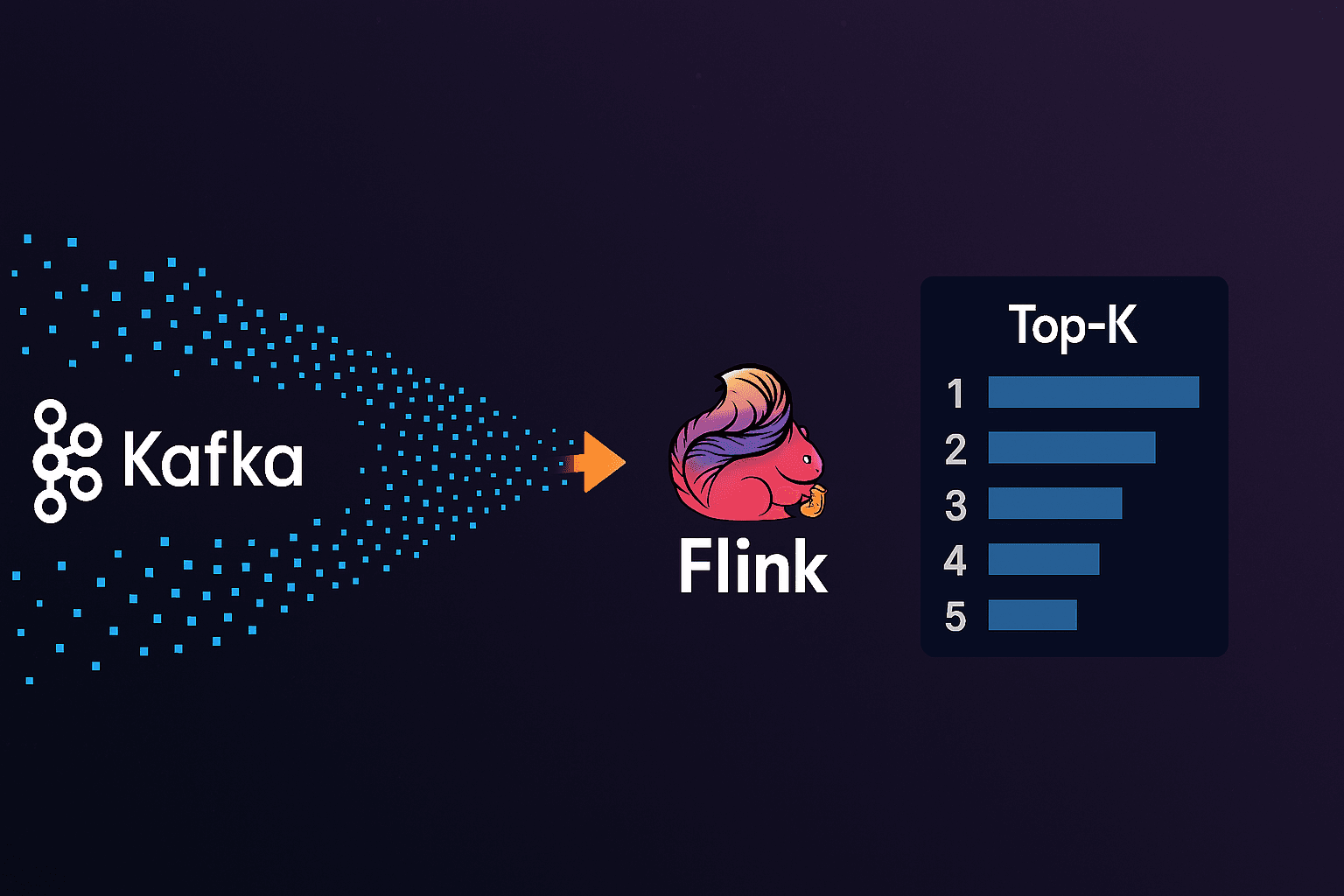
What’s happening everyone! In today’s article we’re going to be diving deep into creating a scalable top K list for the most liked videos in a configurable time. Top k questions are widely used in system design interviews and in real life as they provide really valuable insights depending on what domain they are used in.
We’re going to be going through a brief explanation of how Flink works, what the aim of the article is and we’re going to code everything up (I’ll leave the link for the GitHub repo at the end of the article). Let’s begin.
Before moving forward we’re going to imagine a scenario where we were tasked with engineering a top 5 most liked videos problem which moves us to the project requirements section.
Project Requirements
We’ve been asked by the business team that for insights the following is required:
View latest Top 5 most liked videos on our platform (Last 5 minutes for example, refreshes every minute)
- We have a lot of likes coming in per second (around 200~400k/sec)
Display them in some fancy frontend
It’s okay if data skews a couple of seconds maximum
Out of Scope for now:
- Keeping track of historical data for periods of time (we just want the live right now)
Now before moving into how we’ll design this thing, let me talk briefly about Flink
Flink Brief Intro
I’ve wrote an article on Flink before if you’re interested in the deep dives here
But for now i’ll give you what you need to know for this article.
What is Flink?
Apache Flink is an open-source system for processing streaming and batch data. It’s highly scalable and fault tolerant and superior in handling massive amounts of data. It’s a great tool for real-time analytics and continuous streams.
How does Flink work? (Very so much simplified)
Every Flink job has what’s called a Job manager, The job manager can have many task managers, the task managers have what is called slots. Every slot can execute some stage of the pipeline so basically a slot is like a unit of execution. It looks something like this (very much abstracted)

Notice the arrows back and forth from Task managers as they communicate and can send and receive data from each other
When you write some code (usually Java) and submit a Flink job. (Let’s say you want to aggregate counts of videos by their id)
Flink takes your code and creates what is called a Dataflow Graph which basically it then uses to know how to execute the given job.
For example aggregating some data stream and counting can look like this
stream
  .keyBy(video -> video.getId()) # Group by id
  .window(TumblingProcessingTimeWindows.of(Time.minutes(1)))
  .sum(1);
Behind the scenes, Flink translates this into a directed acyclic graph (DAG) where each node represents an operation (operator) — like keyBy, window, or sum — and the edges represent the data flowing between them.
This Dataflow Graph becomes the blueprint for execution. It helps Flink decide:
How to parallelize the work (e.g., how many tasks should do the aggregation)
How to shuffle or partition the data (e.g., based on the key) (data flowing between task managers)
Where state needs to be managed (e.g., window state, accumulators) (in the example above a tumbling window every minute to the minute)
And how to recover from failures by tracking operator state and checkpoints
This is what enables Flink to scale your job from running on your laptop to a 100-node cluster with minimal changes to your code.
The Flink Web UI even lets you inspect this graph visually, showing each operator and its parallelism, helping you understand exactly how your job flows end to end.
Scaling Flink is a whole different story. Depending on your scale, you’ll need to decide on things like the parallelism of your job, the number of TaskManagers, and the slots per TaskManager.
The parallelism defines how many parallel instances will be created for each operator in your job’s Dataflow Graph. Think of it like this: for every step in your pipeline (e.g., map, keyBy, window, etc.), Flink can spawn multiple subtasks to process data in parallel. The higher the parallelism, the more throughput your job can handle — assuming your hardware can keep up.
You can scale horizontally by:
Increasing the number of TaskManagers (i.e., more JVMs on more machines)
Assigning more task slots per TaskManager (i.e., more threads to run subtasks)
Flink’s job manager then maps the parallel subtasks of each operator onto these slots across TaskManagers, distributing the work evenly. If our stream source is Kafka then at least the partition count of the topic would be a good start.
Now that we got a high level on how Flink works, let’s talk about how we’ll design this thing
Technical Design
Let’s say we have 2 Kafka partitions and our parallelism is set to 2. (2 subtasks for every single operator/step), The goal is to somehow aggregate these into counts by video id and find a way to get the top 5 only. How can we do that?
Well a popular data structure for calculating top K from a bunch of elements is a PriorityQueue (Min-heap) but how can we leverage it in our design?
We’re actively reading from 2 Kafka partitions data like this {video_id: 12332}
We need to do the following:
Aggregate (Count) all same video ids
Push them into a Priority Queue of size 5 (fixed size/memory)
Return the result
However the steps above are missing something, we have 2 subtasks for aggregating the counts. This means we have one of two approaches here:
After aggregating push them all to a single node and generate a top k
generate local top k’s for every part and then send them to a node to generate a global top k
The first approach while being simpler but can overload the final destination node with a lot of data which can eat up the memory. Imaging having millions of aggregated records sending them to a single node.
The second approach is more efficient, we’ll generate a local top k for every aggregated part, send these over (only fixed size of 5 per node), and generate a top K out of the received local top K’s
The design looks something like this (This design is the technical thinking not how Flink will physically execute this)

Now since our requirements are not strict and we don’t need history, then every output of Global top k will be send to Redis, so the user can fetch it easily and display it. The key in Redis gets updated every 5 minutes in a Sliding window pattern (The Flink approach we’ll talk about in aggregation), so the design we’ll go with finalizes to this

Stages in Flink
Code here is highly abstracted the repo link will be at the end of the article
Define source
In Flink it goes Source → some operations → sink (destination)
We need to define Kafka as our source of data and this can be done with something like this
        props.setProperty("bootstrap.servers", "kafka:9092");
        props.setProperty("group.id", "video-likes-consumer");
        FlinkKafkaConsumer<String> consumer = new FlinkKafkaConsumer<>(
                "video_likes",
                new SimpleStringSchema(),
                props
        );

        DataStream<String> stream = env.addSource(consumer);
We’re now consuming from the topic video_likes
Steps (Aggregation to Top K)
Now The best thing about Flink is the different API’s it offers, out of the box API’s that do different type of aggregations, Since our requirement is the latest 5 minute most liked and refreshes every minute we can use a sliding window approach (e.g from 0-5, 1-6, 2-7, etc) as the window moves we get the latest 5 minute window only. Before doing that we would need to JSON parse the stream output to extract the video id.(view in repo). The important part here is the aggregation steps.
        likes
        .keyBy(value -> value.f0)
        .window(SlidingProcessingTimeWindows.of(Time.minutes(5), Time.minutes(1)))
        .aggregate(new LocalTopKAggregator(5))
It starts off like this, keyBy would group and potentially reshuffle between task managers data so that all ids land and are processed in the same subtask.
Then we specify the window we’ll be working on (in our case sliding window for 5 minutes and moves every minute)
Now aggregate executes continuously as stream data comes in, It’s a custom class that inherits the Default Flink aggregation and adds the local priority queue logic on top of it. The code for this you’ll find in the repository for a more in depth look.
LocalTopKAggregator class has a method getResult which executes per window
This is the method that generates the top K per window.
    public List<Tuple2<String, Integer>> getResult(Map<String, Integer> acc) {
        PriorityQueue<Tuple2<String, Integer>> pq = new PriorityQueue<>(Comparator.comparingInt(t -> t.f1));
        for (Map.Entry<String, Integer> entry : acc.entrySet()) {
            pq.offer(Tuple2.of(entry.getKey(), entry.getValue()));
            if (pq.size() > k) pq.poll();
        }

        List<Tuple2<String, Integer>> result = new ArrayList<>(pq);
        result.sort((a, b) -> Integer.compare(b.f1, a.f1));
        return result;
    }
Now our output per subtask is the local top K, now we need to group these somewhere to generate the final top K
        likes
        .keyBy(value -> value.f0)
        .window(SlidingProcessingTimeWindows.of(Time.minutes(5), Time.minutes(1)))
        .aggregate(new LocalTopKAggregator(5))

        .map(list -> Tuple2.of("global", list))
         // Java erasure ***not business logic***
        .returns(new TypeHint<Tuple2<String, List<Tuple2<String, Integer>>>>() {})
        .keyBy(t -> t.f0)
        .window(SlidingProcessingTimeWindows.of(Time.minutes(5), Time.minutes(1)))
        .process(new GlobalTopKMerge(5));
Now we map over our generated local Top K’s and give them all the key name count. Skipping the TypeHint returns which is Java specific to make sure the return type of the above map
We group by the key global
So now We have the key global along with an array of local top k’s
We only need to process the latest local top k’s so we add another window
If we don’t add this we’ll keep feeding the global top k with all the windows (it’s going to keep history of previous windows not remove them)
Now GlobalTopKMerge merges all the top K’s respectively and then pushes the result to redis.
    public void process(String key,
                        Context context,
                        Iterable<Tuple2<String, List<Tuple2<String, Integer>>>> elements,
                        Collector<Void> out) {

        PriorityQueue<Tuple2<String, Integer>> heap = new PriorityQueue<>(Comparator.comparingInt(t -> t.f1));

        for (Tuple2<String, List<Tuple2<String, Integer>>> localTopK : elements) {
            for (Tuple2<String, Integer> entry : localTopK.f1) {
                heap.offer(entry);
                if (heap.size() > k) {
                    heap.poll();
                }
            }
        }

        List<Tuple2<String, Integer>> finalTopK = new ArrayList<>(heap);
        finalTopK.sort((a, b) -> Integer.compare(b.f1, a.f1));

        pushToRedis(finalTopK);
    }
Sink
Finally pushToRedis sets a simple key on redis where the consumer consumes from,
    private void pushToRedis(List<Tuple2<String, Integer>> topK) {
      try {
        String redisKey = "trending:5min";
        String json = new ObjectMapper().writeValueAsString(topK);
        jedis.set(redisKey, json);
      } catch (Exception e) {
        System.out.println("Error pushing to Redis: " + e.getMessage());
      }
    }
Summary
Data has become an integral part in today’s modern world, The insights data gives can be a dealbreaker in making millions especially for startups. The best and most fun thing about system design is there is never a one size fits all, different approaches have different trade offs and business is an integral part of knowing which direction to head. Scaling this project can be in a separate article if you like & If you made it to here thank you & hope you learned something valuable today. See you all in the next one!